If you want to show the status of your server and online room users on a webpage, you can use the
friendnet-server-widget web component on your website.
To include the widget code, add the following HTML to your page:
<script
	type="module"
	async
	defer
	src="https://cdn.jsdelivr.net/npm/friendnet-server-widget@latest/dist/friendnet-server-widget.js"
></script>
If you use NPM, you can install it with:
npm install friendnet-server-widget
Then, include the component in your HTML:
<friendnet-server-widget
	rpc="http://localhost:8080"
	room="roomname"
	label="My Friend Group Server (can be empty)"
	token="set token if needed"
/>
Replace http://localhost:8080 with the URL of your FriendNet's public RPC interface.
Your RPC interface must support at least the following methods:
GetRoomInfoGetOnlineUsers
Remember that publicly exposing other methods, especially action/update methods, is dangerous.
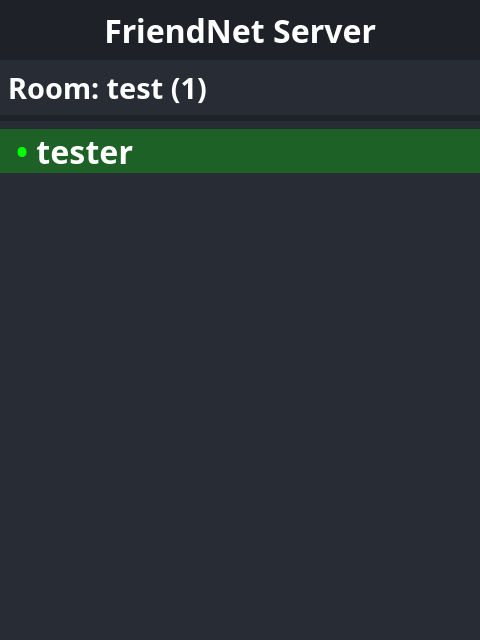
You should now have a widget for your server!
Serving the RPC Endpoint over HTTPS
For the widget to work the best, you should put the server RPC endpoint behind a reverse proxy like Nginx or Caddy to provide HTTPS support. The server does not provide HTTPS capabilities for the RPC endpoint itself.
Make sure to enable HTTP/2 support for the endpoint. Without it, updating the widget may be slow and unreliable. This is because the RPC endpoint depends on gRPC-Web, an extension to the HTTP/2-dependent protocol gRPC.